
Shimon Shmueli
Working at the intersection of technology and design. Currently exploring spatial audio, LLM internals, and tools that feel good to use.
For My Students
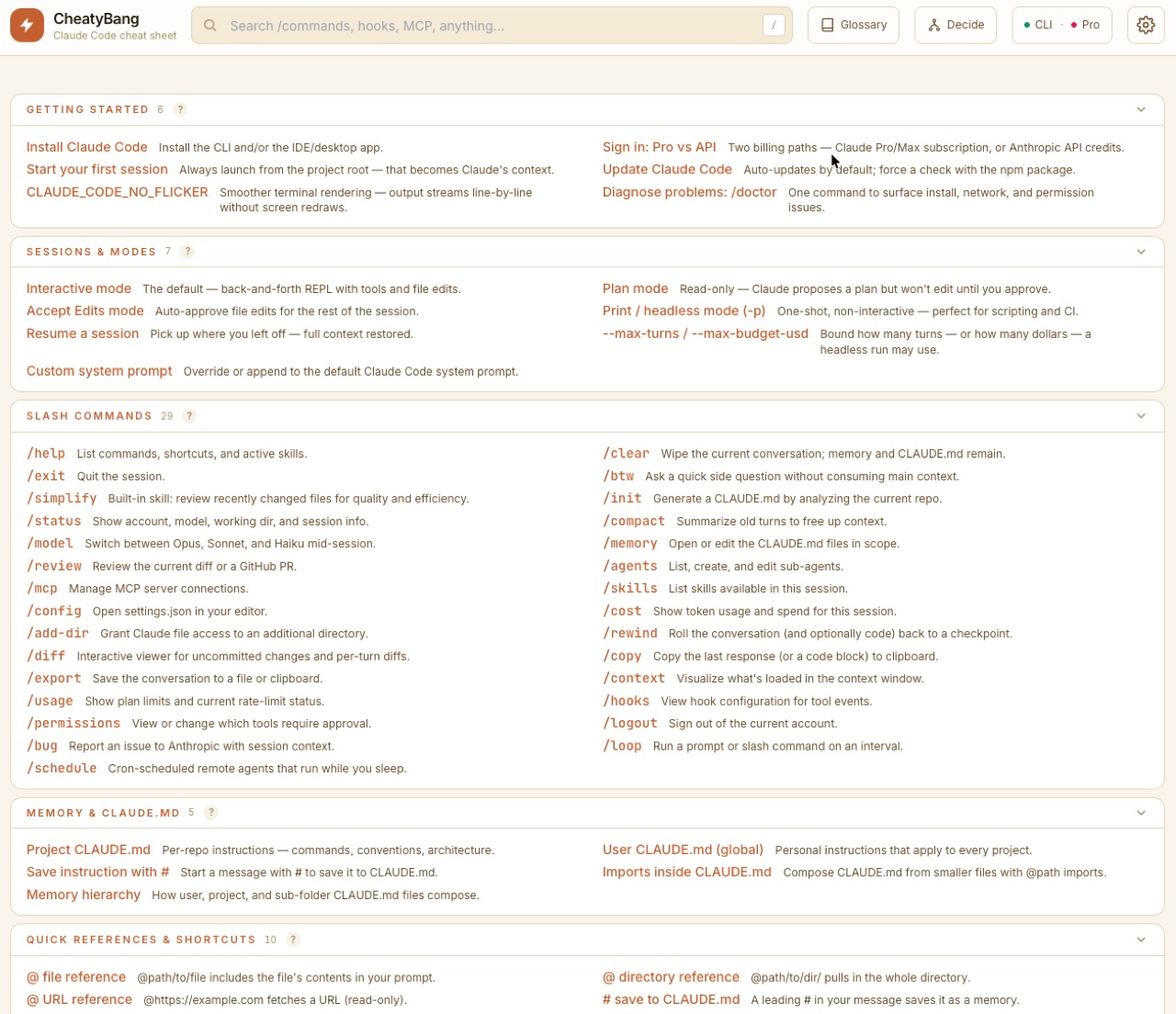
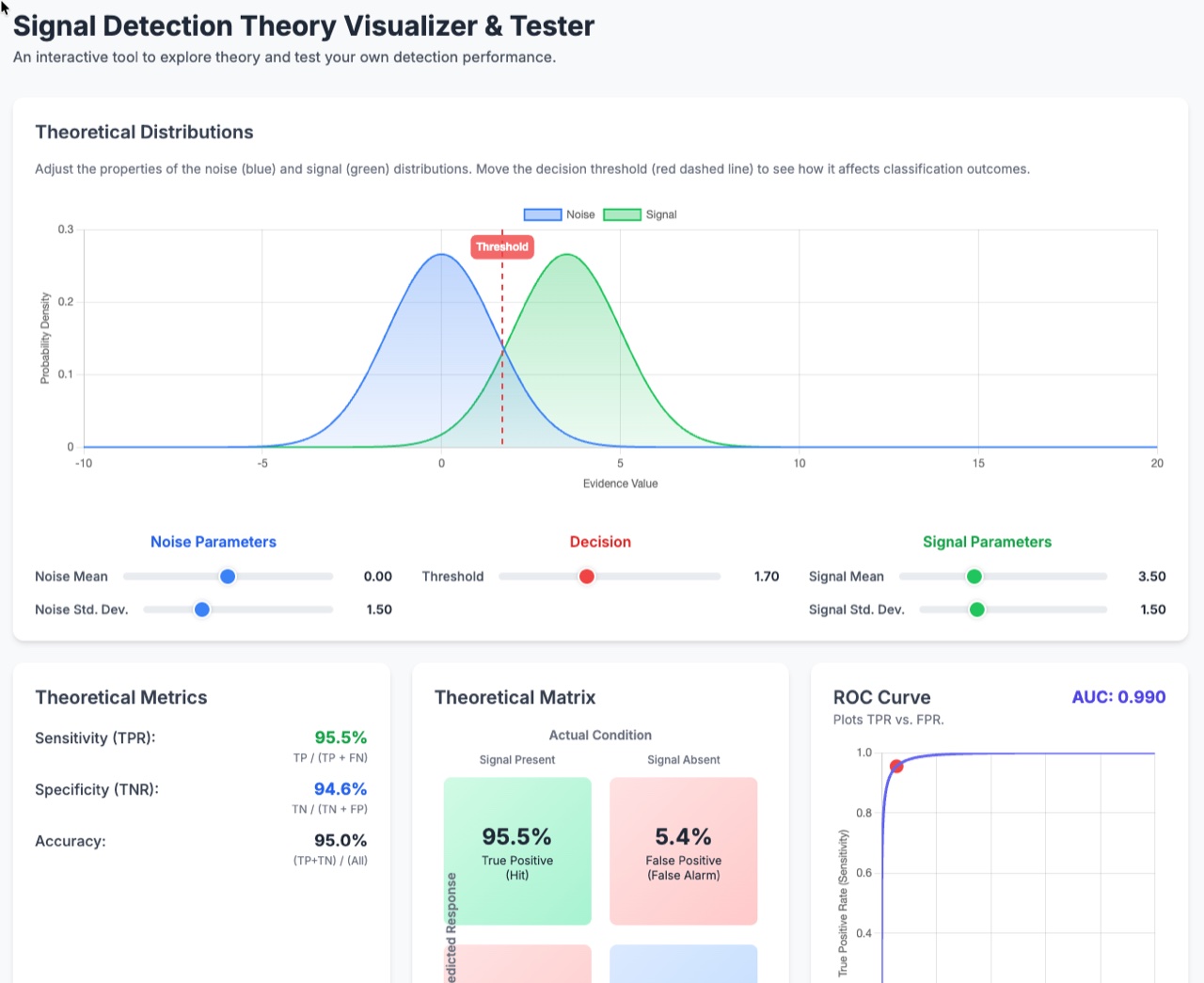
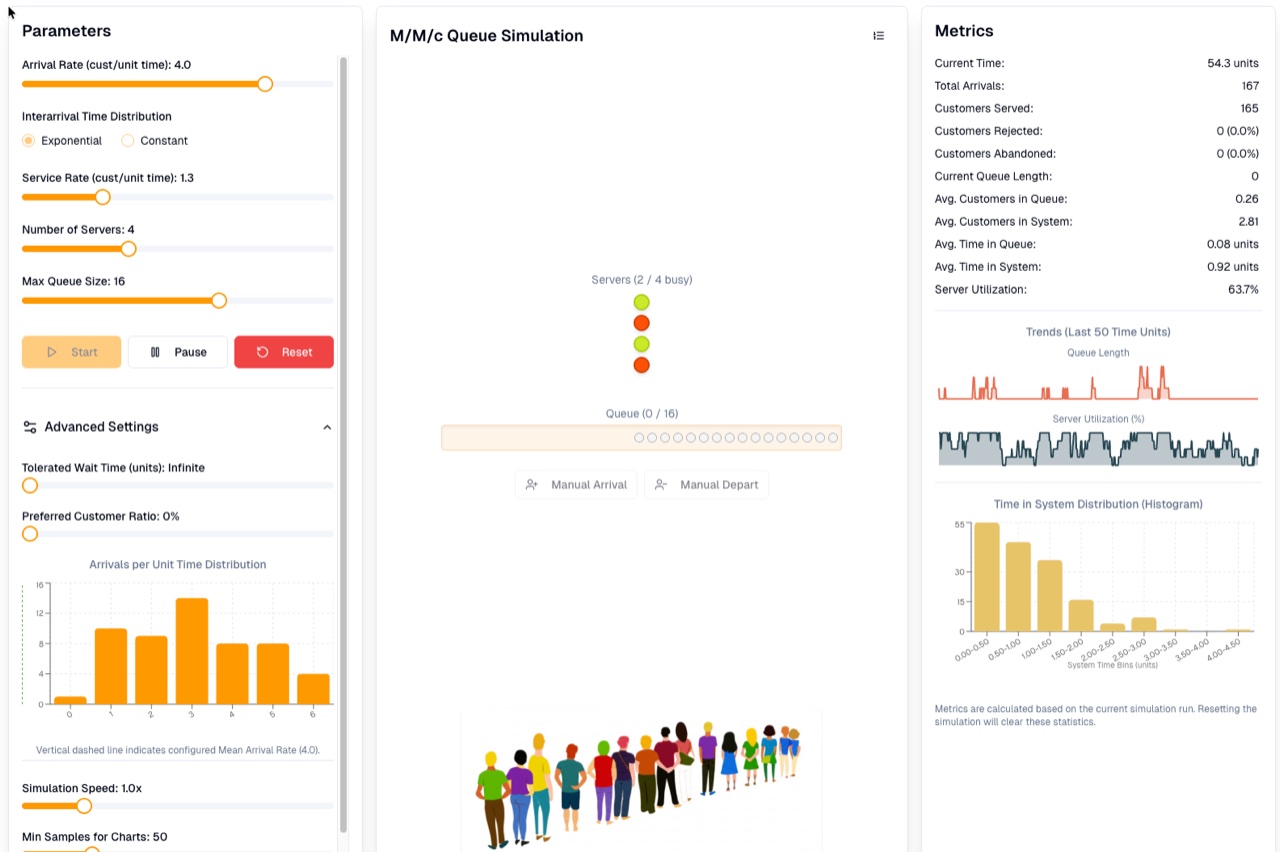
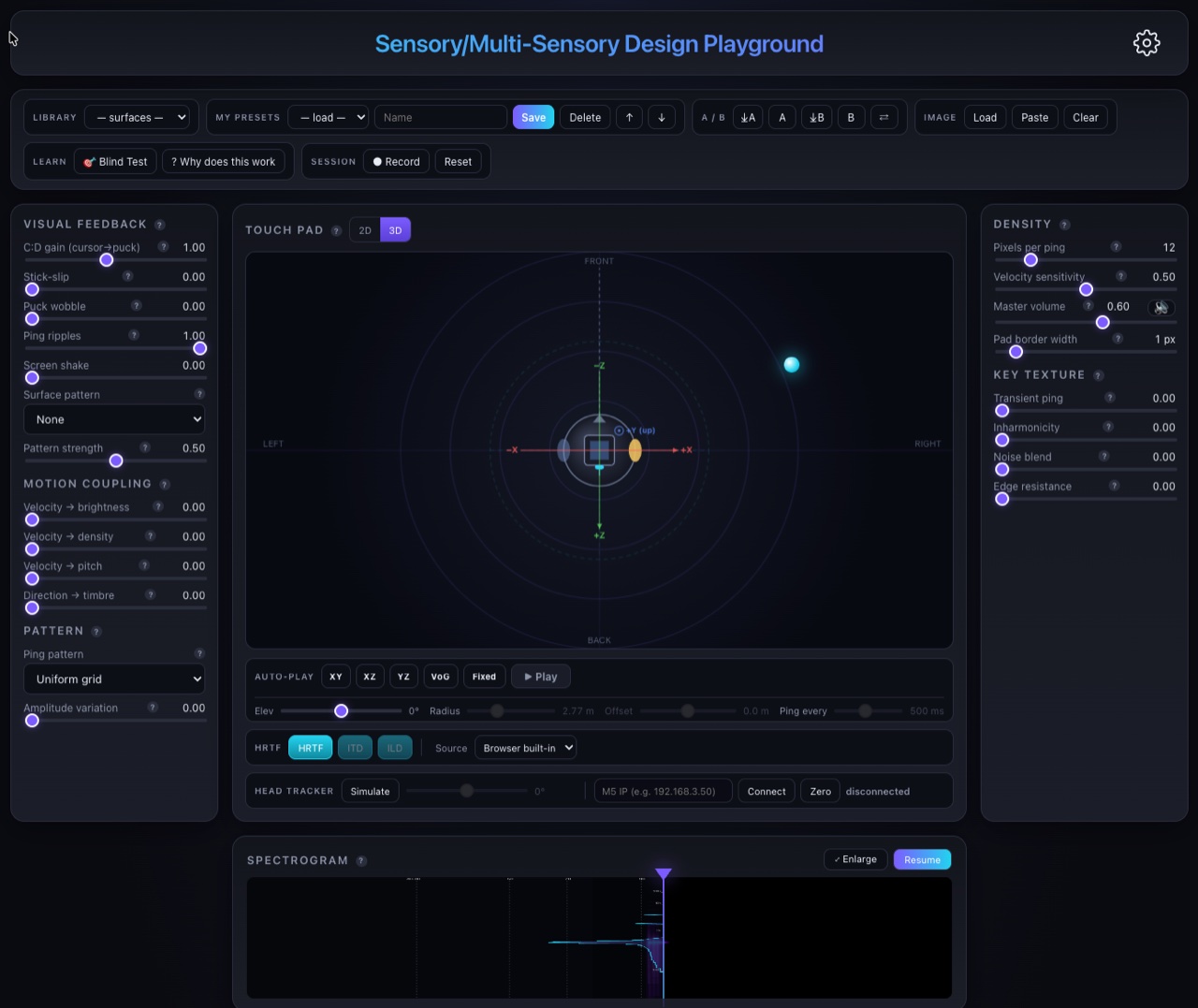
Current Courses


Organize your apps with tags, switch between running apps with keyboard shortcuts, and enjoy a clean, distraction-free experience. And with your input I am planing to make it even better.
-
Instant Search
Fuzzy and keyword matching finds apps even with partial or misspelled queries.
-
Smart Tags
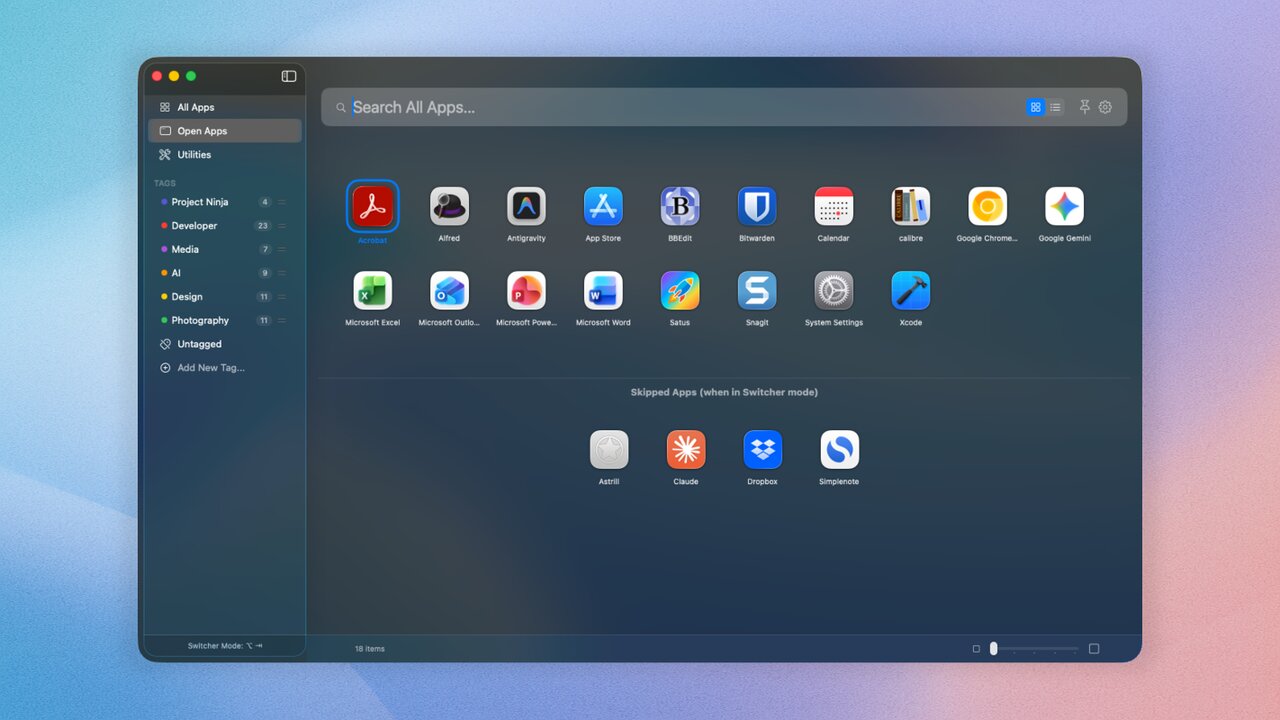
Create any number of tags to organize your apps — Work, Creative, Social, whatever fits.
-
AutoTag New
Let an LLM scan your apps and tag them automatically — no manual sorting needed.
-
App Switcher
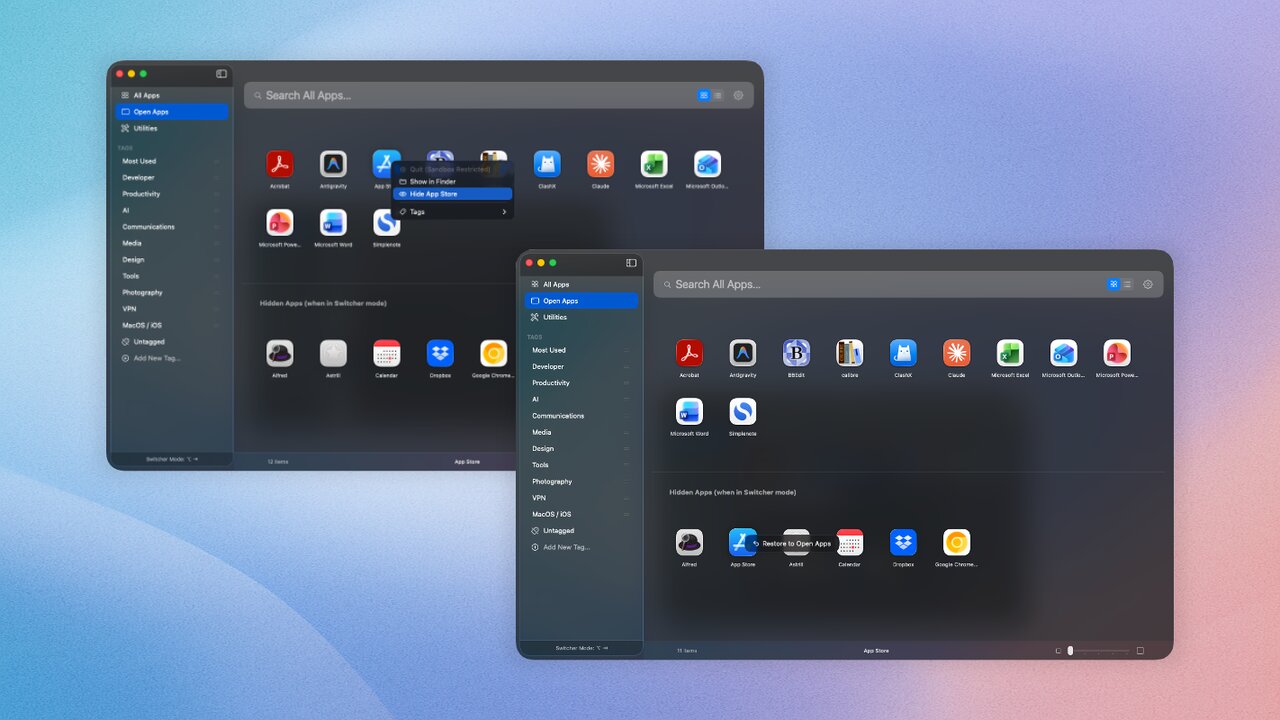
View and cycle through running apps with a keyboard shortcut. Exclude any you don't want in the rotation.
-
Keyboard-first
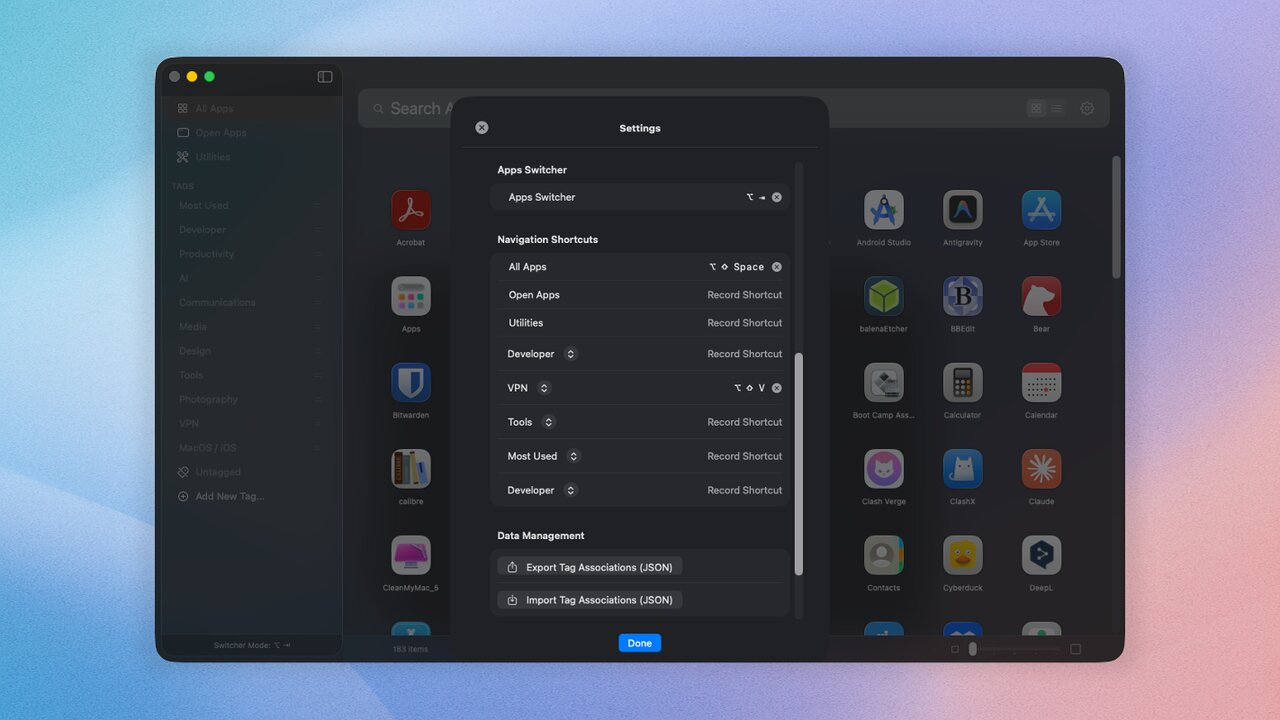
Arrow keys to navigate, Enter to launch, Escape to dismiss. Hands stay on the keyboard.
-
Drag & Drop
Drag apps to the Dock, to tags, or between views.
-
Tag Colors
Color-code tags for quick visual organization.
-
Export & Import
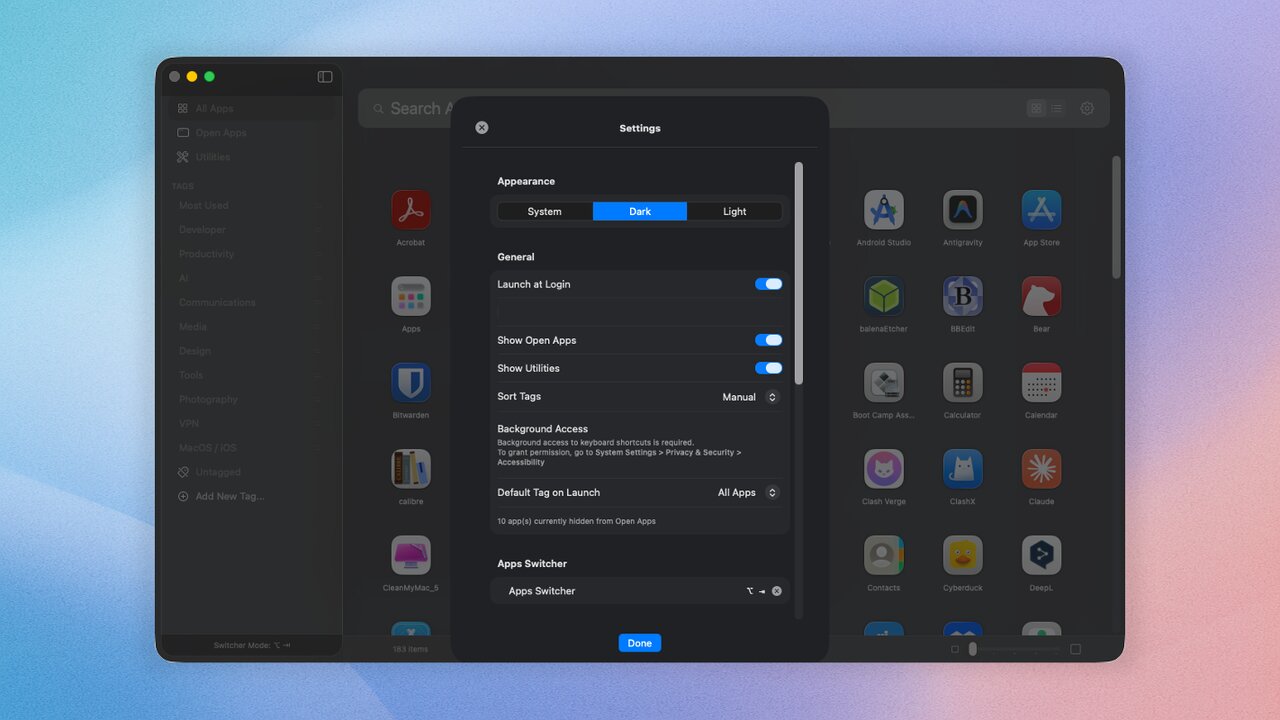
Take your settings with you — back them up or move between machines.
Screenshots
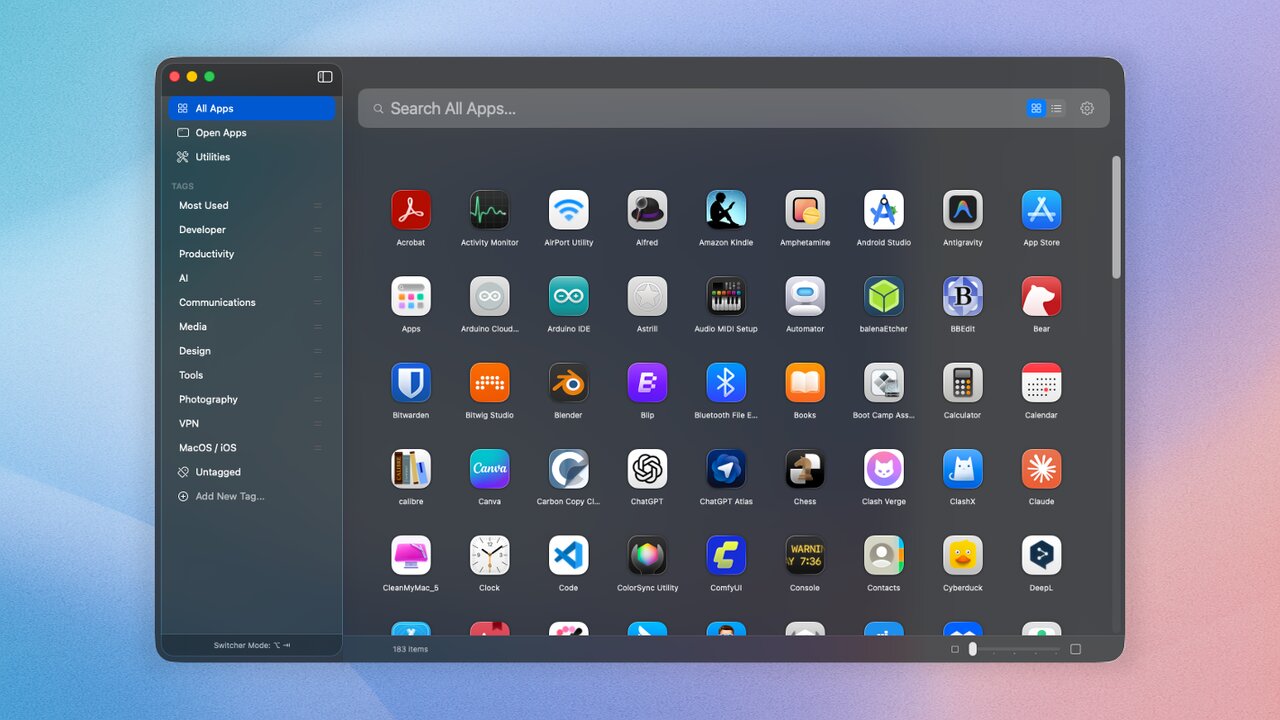
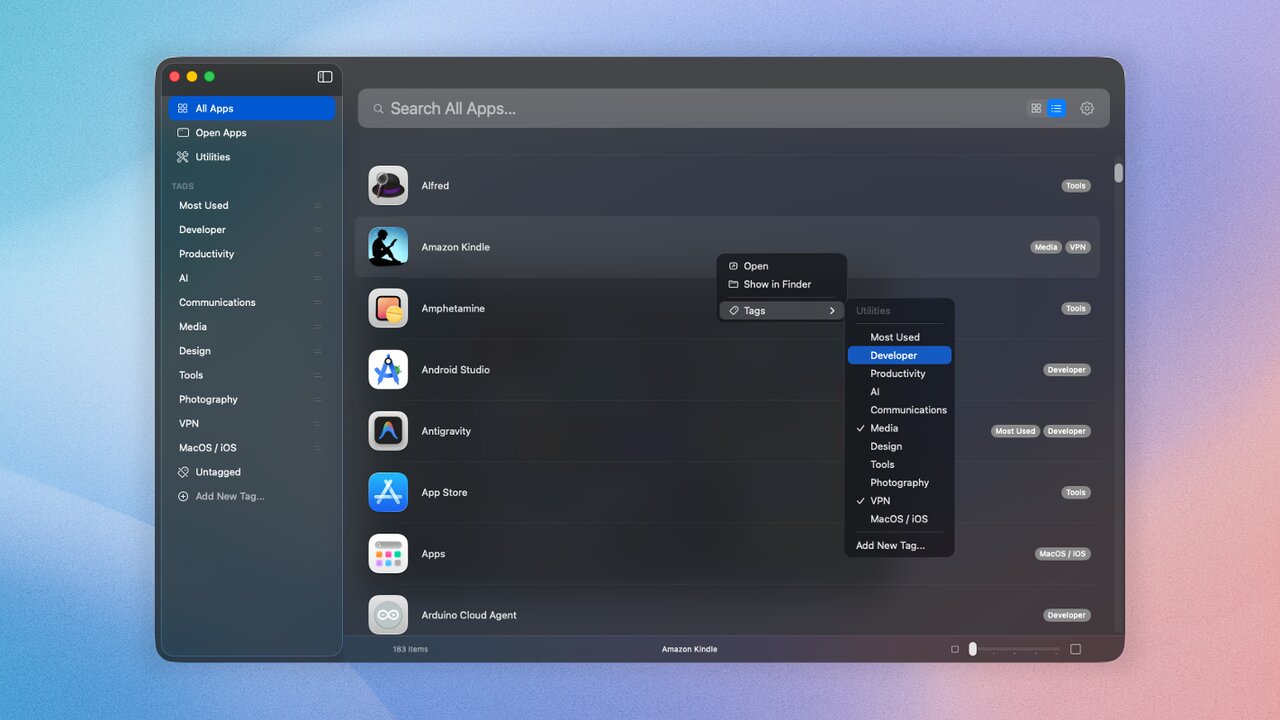
Free download · notarized for macOS · requires Apple Silicon. If you like it, a small tip keeps the project alive.